Muvia IndustrialAnalyse
Read a machine's signals and see what surrounded an event
Analisi puts the nodes' signals on one chart: vibration, temperature, current. You read them over time and in frequency, align them on an event, annotate them and save them.
- Signals
- Vibration, Current
- View
- Spectrum
- Condition
- Machine stop
- Annotation
- Bearing replaced
- Version
- v2
Saved with its versions.
Illustrative example
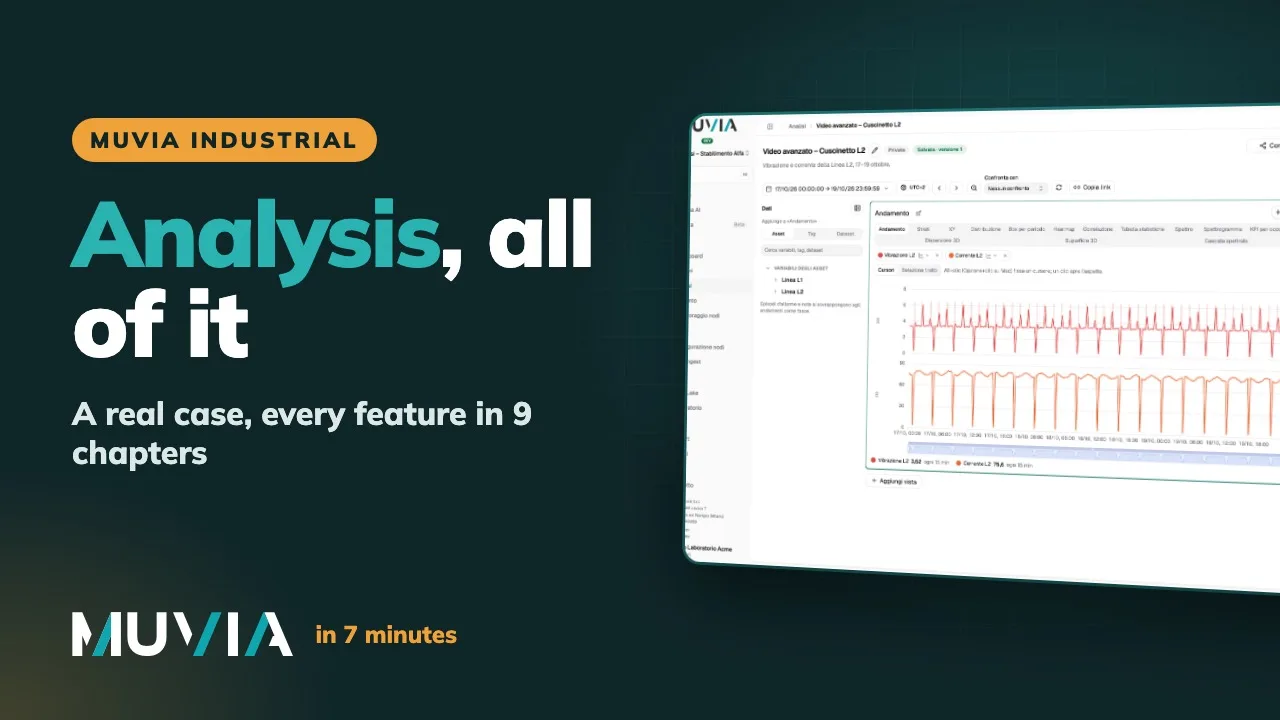
From the raw signal to a reading you can share
Signals over time, XY and 3D
Several signals on a time axis, an XY chart and a 3D scatter view, to compare quantities of the same machine.
Spectrum and spectrogram
A machine signal such as vibration can also be read in frequency, with the spectrum and the spectrogram.
Conditions and events
Define a condition, for example a stop, and align the layers on the event to see what happened before and after.
Saved and shared
Analyses are saved with their versions; a public link opens them without an account and a dashboard can show them.
How it works
- 01
Pick the signals
Start from the node's tags, for example a motor's vibration and its current.
- 02
Read in time and in frequency
Add the spectrum, set a condition, measure with the cursors and annotate where it helps.
- 03
Save and reuse
Save the analysis, or make a query from the series with «Nuova query da qui» (new query from here).
In detail
- Views
- Signals over time, XY, 3D scatter, spectrum, spectrogram.
- Tools
- Conditions, layers aligned on an event, cursors with Δ, annotations, reference lines.
- Saving
- Analyses with their versions.
- Public link
- Opens an up-to-date analysis without an account.
- Recurring patterns
- A separate module under Analisi: patterns by example, by sequence or discovered, with «Segui sui dati nuovi» (follow on new data).
Frequently asked questions
Yes: spectrum and spectrogram are made for machine signals.
With Recurring patterns, a separate module, you see a pattern's occurrences and what comes before them.
Tell us which machines you run. We'll tell you how to read them.
PLC brand, protocol, how the floor is connected: with those three answers, in a demo with one of our engineers, we show you how Muvia Industrial puts line data next to the rest of the business.